Funeral Programs
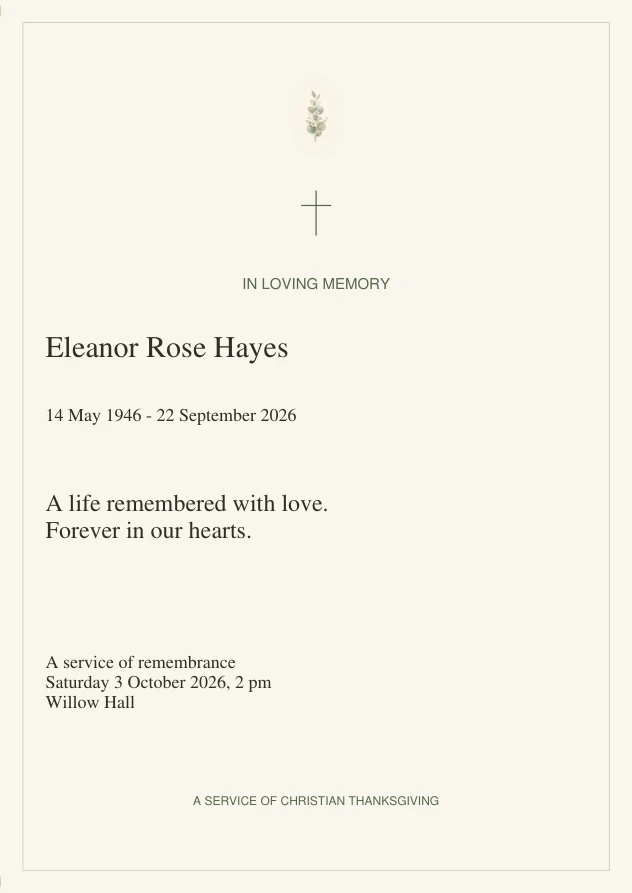
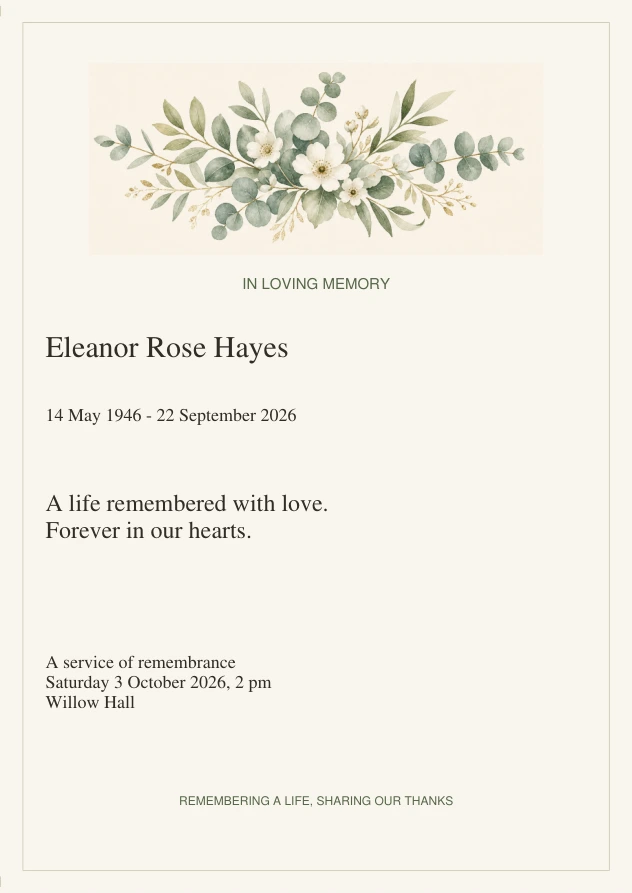
Botanical Funeral Program Template
Editable bifold order of service
Paused
Checkout remains paused while the delivery setup is checked.
- Two landscape PDFs: A4 and US Letter, each with two sides that fold into four panels
- 29 editable text fields, including eight service rows and a life-remembered section
- Complete Psalm 23 (KJV) example reading; replace it with your chosen text
- Fixed artwork and headings; text-only cover with no photo-upload field
- Start-here instructions for editing, saving, printing and folding
Make room for your memories
How the revised files will work.
Edit and save
Replace the fictional examples in the PDF. Save, close and reopen it to check every panel.
Use the matching paper size, landscape and 100% scale. Print both sides with a short-edge flip; test one sheet first.
Fold and proofread
Fold at the centre, with the cover outside. Check names, dates, wording and the service order before printing more.
What’s included
A clear package, ready when you need it.
How to use it
Download and unzip the package, then open your chosen paper size in free desktop Adobe Acrobat Reader. Replace all fictional examples, including repeated names and service details. The 29 fields let you change the wording; the artwork, headings, font and layout stay fixed. There is no photo-upload field. Save, close and reopen your copy before printing. Keep wording short enough to fit. Print both landscape sides at Actual size / 100%, double-sided with a short-edge flip, then fold at the centre. Do not use booklet mode: the panels are already arranged. Test one plain-paper sheet first and check the service order with the person leading it.
Delivery
Checkout is paused while the delivery setup is checked. The revised package contains an A4 PDF, a US Letter PDF and start-here instructions in PDF and text form. Each program file has two landscape pages with 29 editable fields. No physical item is shipped.
Quiet answers
Good to know.
What is in the download?
The revised ZIP contains an A4 PDF, a US Letter PDF and start-here instructions. Each program has two landscape pages that fold into four panels. Checkout remains paused while delivery setup is checked.
What can I edit?
There are 29 text fields for names, dates, service details, eight service rows, a reading, memories and thanks. Artwork, headings, fonts and layout are fixed. There is no photo-upload field.
How do I edit and save it?
Use free desktop Adobe Acrobat Reader. Replace every fictional example, save your copy, then close and reopen it to check your wording. Keep text short enough to fit; browser and phone viewers vary.
How do I print and fold it?
Choose the file matching your paper. Print both landscape pages at Actual size / 100%, double-sided, flipping on the short edge. Do not use booklet mode. Test one sheet, then fold once at the centre.
Can I reuse it?
Yes. Print as many copies as the service needs.
Complete the set
Complete the Funeral Programs set.
You’ve started with Botanical Funeral Program Template. 1 more keepsake in this set.